Practical tips for keeping your computer, network, and business security working smoothly.
Quick Guides from Ocala Mac & PC Repair
Business Phone Systems
Before switching to VoIP, map your calls
List the numbers you need to keep, who should answer each one, and what should happen after hours. Test those routes, voicemail, and an outage backup before moving your main number. Check compatibility separately for any fax, alarm, or elevator lines.
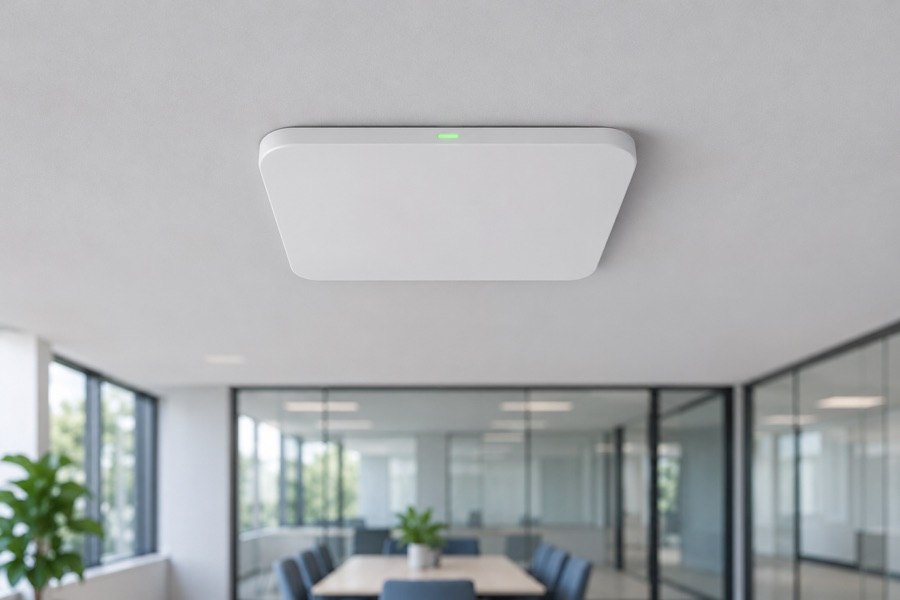
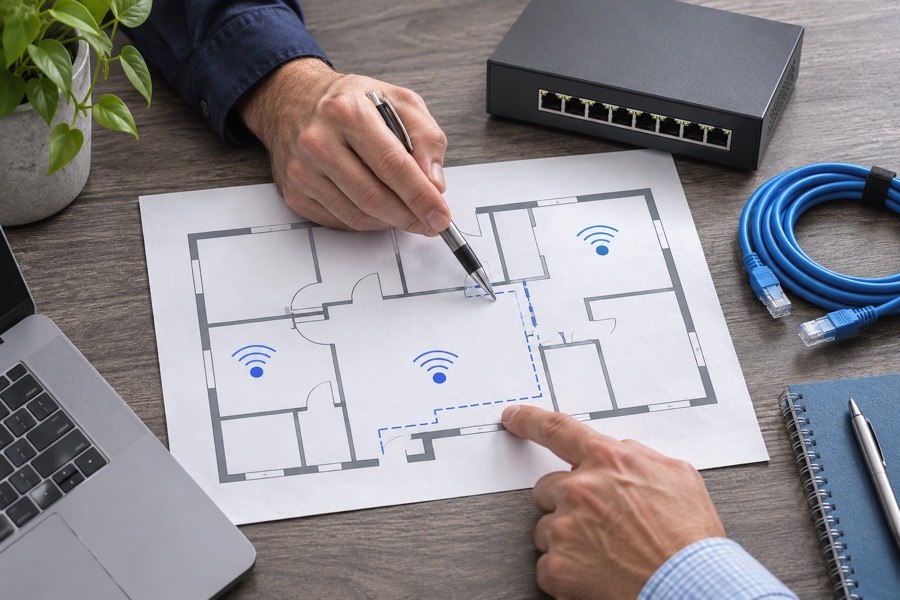
A site survey measures signal and interference where people work. Learn how the results help choose access point locations and avoid spending on equipment that won’t fix the problem.
Plan for Florida storms, utility interruptions, and outages. This guide covers backup connections, data recovery, and testing how your team will get back online.
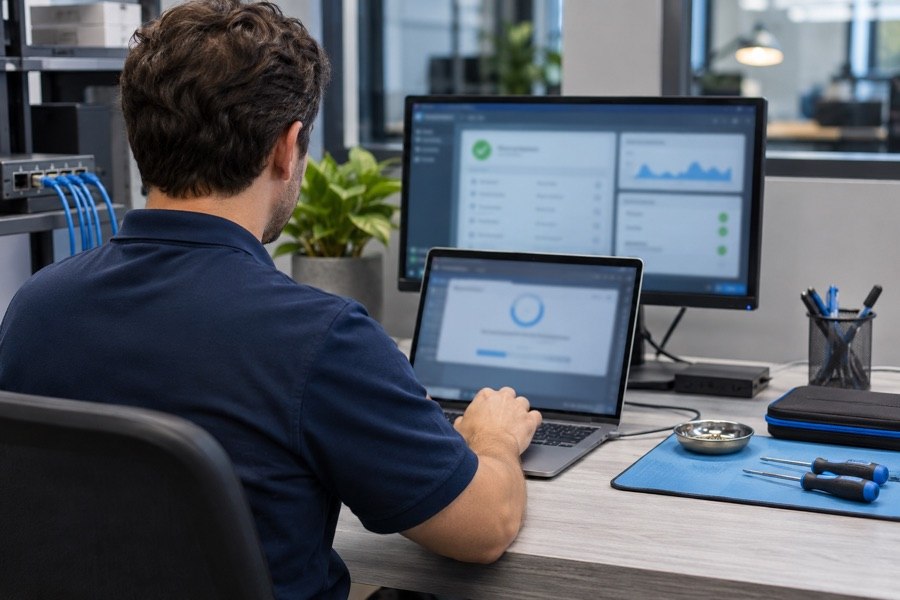
Compare scheduled maintenance with calling for help when something breaks. Factor in downtime, emergency work, and the costs of each approach for your business.
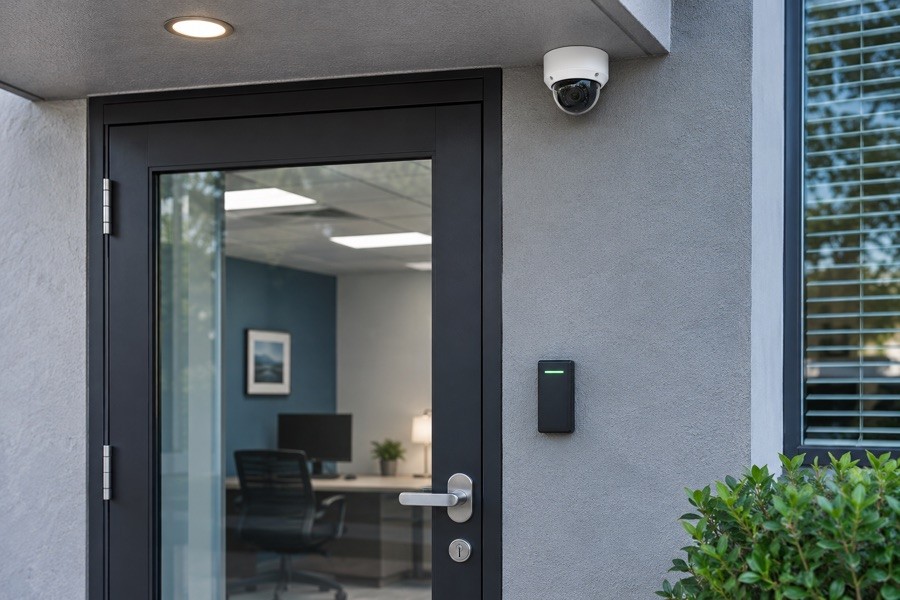
Start with what each camera needs to show. The guide walks through placement, hardware for Florida weather, privacy, and how recording can affect your network.
Review five gaps that often go unnoticed, including staff training, network separation, mobile device protection, and whether your incident response plan has been tested.
Platinum’s Palmetto example explains how a nearby IT team can respond on site and learn the equipment, people, and routines that keep a business running.